
How to Open & Batch Convert Zeiss CZI and Nikon ND2 Files Without Losing Scale
Proprietary microscope containers—Zeiss .czi, Nikon .nd2, Leica .lif, and Olympus .vsi—store raw 12-bit/16-bit detector counts, multi-channel wavelengths, Z-stacks, and exact µm-per-pixel calibration. Exporting them as 8-bit JPEG compresses intensities and destroys physical scale.
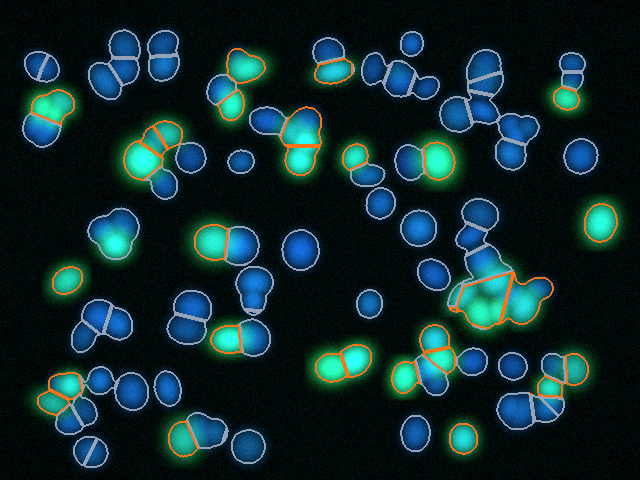
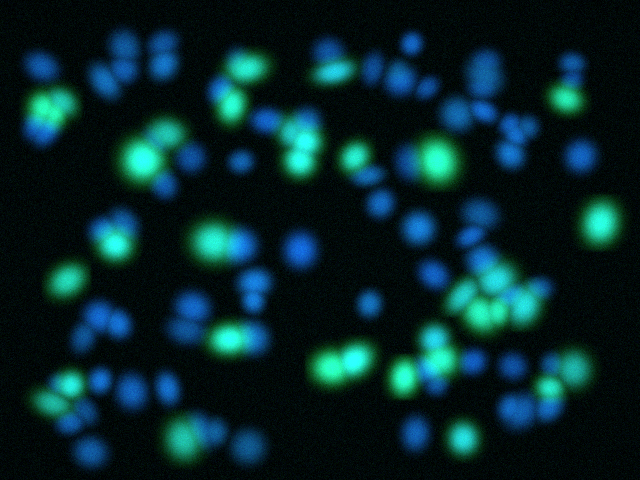
Format comparison: what breaks when you export wrong
Keep raw vendor files as your archive master. If you must convert for external software, convert strictly to lossless OME-TIFF:
| Format | Bit depth | Pixel scale (µm/px) | Safe for intensity / CTCF? |
|---|---|---|---|
.czi / .nd2 / .lif (raw) | 12-bit or 16-bit | Embedded in metadata | Yes (preferred source) |
.ome.tif (lossless) | 16-bit preserved | Preserved in OME-XML | Yes (standard interchange) |
.png (8-bit RGB) | 8-bit only (0–255) | Dropped | Counts/area only if scale known |
.jpg (compressed) | 8-bit lossy blocks | Dropped | No — compression corrupts intensity |
Batch conversion in Fiji (Bio-Formats) vs. Python bioio
In Fiji, open with Color mode set to Default and Autoscale unchecked. For folders of 50–500 files, Python bioio avoids Fiji memory crashes and extracts exposure times directly into a QC table:
from pathlib import Path
from bioio import BioImage
import tifffile

for path in sorted(Path("raw_czi").glob("*.czi")):
    img = BioImage(path)
    arr = img.get_image_data("CYX", T=0, Z=0)  # lossless 16-bit array
    um_x = img.physical_pixel_sizes.X
tifffile.imwrite(f"out/{path.stem}.tif", arr, metadata={"um_per_px": um_x})Skip conversion entirely when you want final counts and figures
MicroQuant ingests raw .czi, .nd2, .lif, .ome.tif, and .svs files directly in the batch pipeline—preserving 16-bit bit depth, reading pixel calibration automatically, and flagging any accidental exposure-time mismatch between experimental groups.